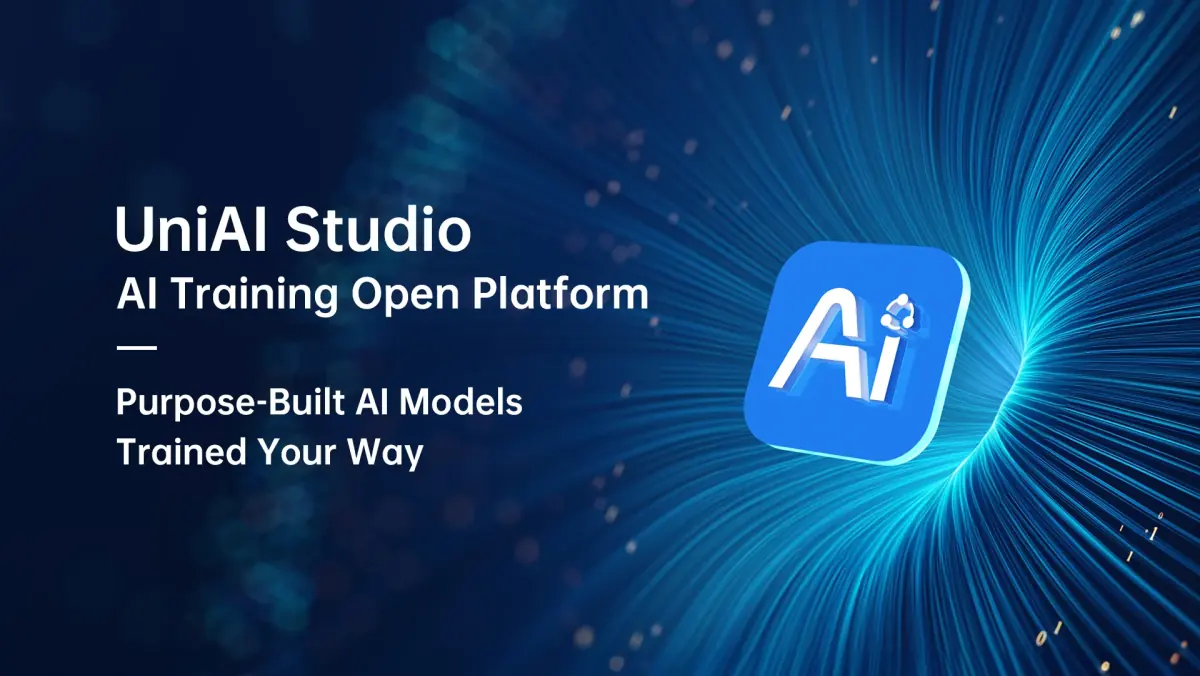
UniAI Studio: SIYI's No-Code AI Training Platform for Custom Models
UniAI Studio lets teams train custom AI models on their own data without coding, on their own servers, and load them into SIYI's AI Tracking Module II and AI gimbal cameras.
Software · AI Training Platform
No-code AI model training platform for on-premises deployment on Ubuntu

UniAI Studio is a lightweight AI model training platform deployed on the user's own servers, with no need to upload data to the cloud. It covers data import, model training, evaluation, inference testing and deployment through a no-code graphical interface. It requires Ubuntu 22.04 or above, is available on request, and its output currently works with SIYI's second-generation AI modules.
Runs on the organisation's own servers, so data does not need to be uploaded to the cloud. An internet connection is required only for the initial login; training can be done offline.
Data import, parameter configuration, model training, evaluation, inference testing, model conversion and deployment are handled in one platform through a drag-and-drop interface, with no coding.
Lets domain experts build AI models for their own business needs, in fields such as smart manufacturing, security monitoring, smart cities, emergency response and geospatial surveying.
Advanced users can set training epochs, the evaluation strategy, data augmentation, how models are saved, and resume from a breakpoint. Evaluation results and logs are shown for monitoring training.
Training and inference can run in parallel on CPU and GPU. For large-scale tasks, training on CPU is not advised.
Trained models are exported directly to local edge devices without re-conversion. For now, only SIYI's second-generation AI modules can use the training output.
SIYI has not published a specification table for this model on its website. [More information available from the distributor]
Specifications are taken from the SIYI website as of 1 October 2026 and may be revised by the manufacturer without notice. View this product on the SIYI website
Based on the reference configurations and case studies SIYI has published that use this product.
SIYI reference configurations that include this product.
Files are served by SIYI, as listed on 1 October 2026. Check the SIYI download page for the latest versions.
No. It can be deployed offline: an internet connection is needed only for the first login, and training itself runs entirely offline.
Only Linux is supported at present, and the minimum version is Ubuntu 22.04.
A CPU with 6 or more cores, 16GB or more of physical memory, 16GB or more of virtual memory, 100GB or more of storage, and a GPU with at least 8GB of VRAM and compute capability 7.5 or higher. The CUDA driver must be version 12.8 or above, on Ubuntu 22.04 or above.
For now, only SIYI's second-generation AI modules can use the training output.
UniAI Studio lets teams train custom AI models on their own data without coding, on their own servers, and load them into SIYI's AI Tracking Module II and AI gimbal cameras.
Software
Ground station software for MAVLink-based UAVs, UGVs and USVs on Android and Windows
Send us your requirements for more information, a quotation or advice on choosing a configuration.